Posten Rewards in checkout
This page will help you present Posten Rewards in your checkout.
See it in action in our checkout demo.
About Posten Rewards
Members of Posten Rewards automatically earn points when sending, collecting or receiving parcels. They can redeem the points for discounts on Posten services, gift cards or exclusive partner offers. Read more about the program.
How to present the points
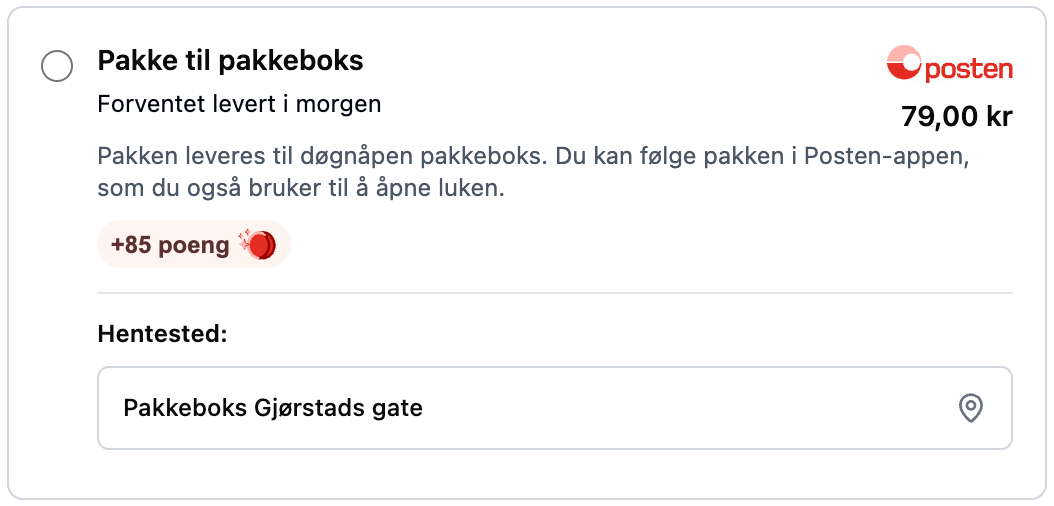
- Show the points on each Posten delivery option, for example +85 poeng.
- Show it only for deliveries in Norway with Posten, not for international shipments with Bring.
- Use the number of points from the Shipping Guide API. The points can change, so do not hardcode them.
Points on a delivery option
Show the points together with the other information about the delivery option.
Info box
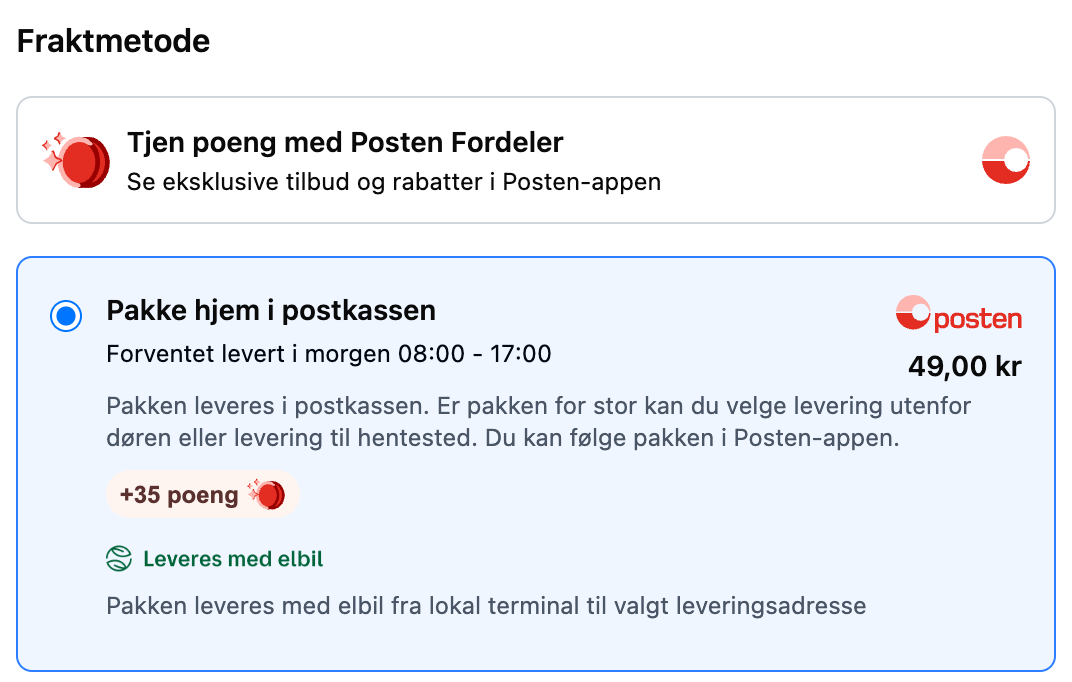
Explain the points with a short info box near the delivery options:

All together
The info box above the delivery options, and the points on the delivery option.
The Posten Rewards coin
Use the coin next to the points.

How to get the points into your checkout
WooCommerce
Available for everyone, out of the box. Every shipping option in the checkout shows the points the customer earns, from version 1.1.61 of the WooCommerce plugin.
Shopify Plus
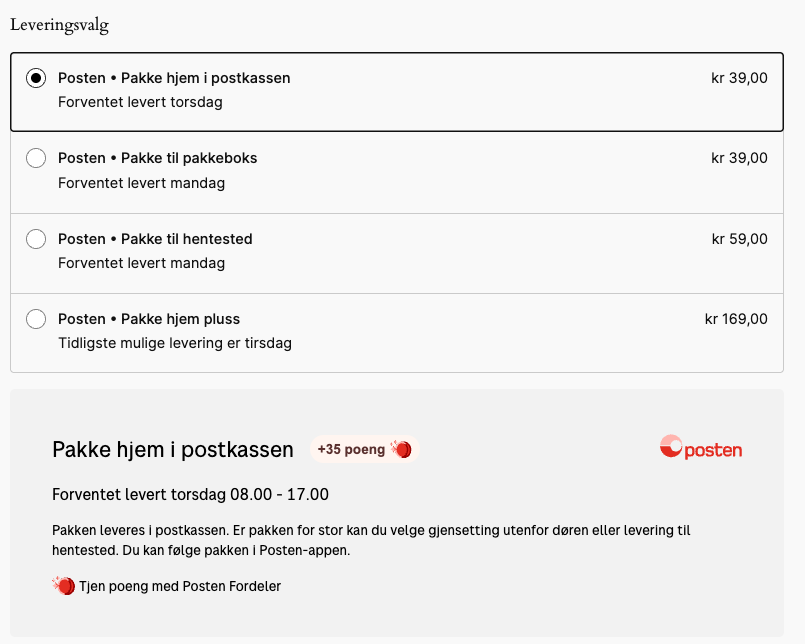
Part of the enhanced checkout experience for webshops on a Shopify Plus plan. Go to Settings in the Shopify app, and follow the activation instructions. See Shopify Plus features.
Your own integration
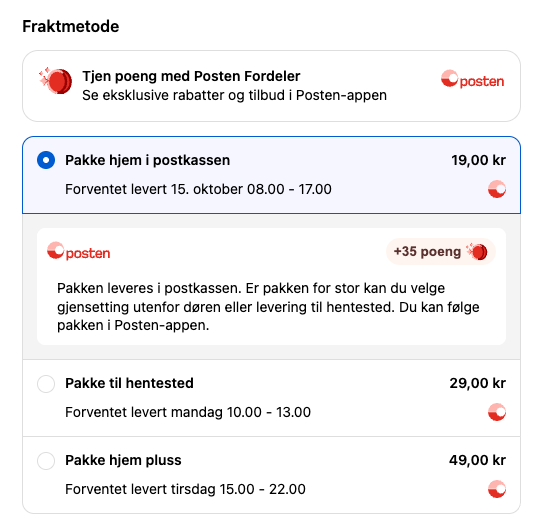
Set withRewards to true in the Shipping Guide API, and the response includes the points for each
delivery option. See Rewards points in the Shipping Guide API.
You can try it in the Checkout tool.