6 October 2026
Book transport straight from the Shopify order page
NewShopify
You can now book transport directly on the order page in Shopify, without going through More actions first. A new Posten Bring block shows the service your customer chose in checkout, lets you change customer number or service, and books with one click.
Once the transport is booked, the block shows buttons for the label, the return label and tracking.
To add the block:
- Open any order in Shopify.
- Under Blocks, add Posten Bring.
- Pin the block so it shows on every order.
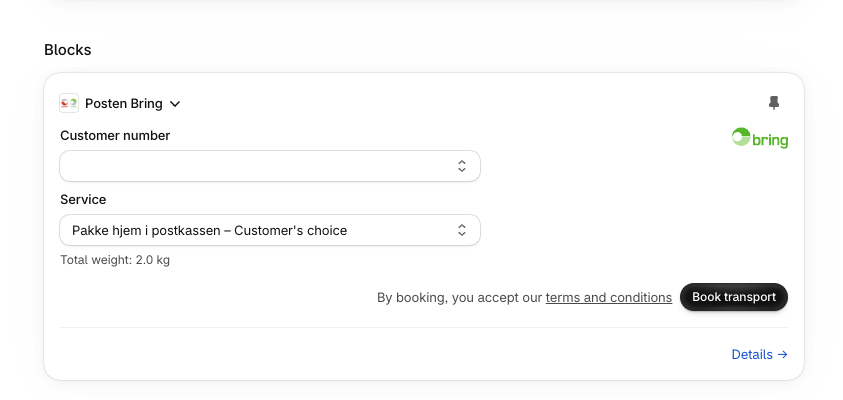
The block books the same way as bulk booking, with the total weight in one parcel. Orders that need more, such as several parcels, customs information or a corrected address, get a link to the order in the Posten Bring Checkout app, where you can finish the booking.